
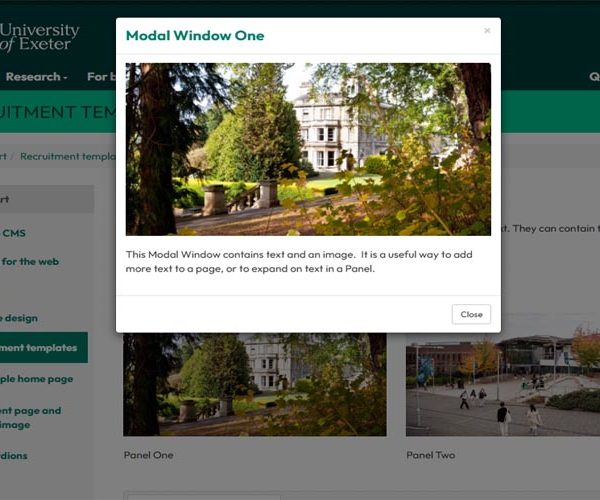
The Modal Window template is a useful way to provide additional content without making the page feel cluttered or overly text heavy. Modal Windows are […]
Category: T4 tips
More T4 tips can be found on our Web Support site.
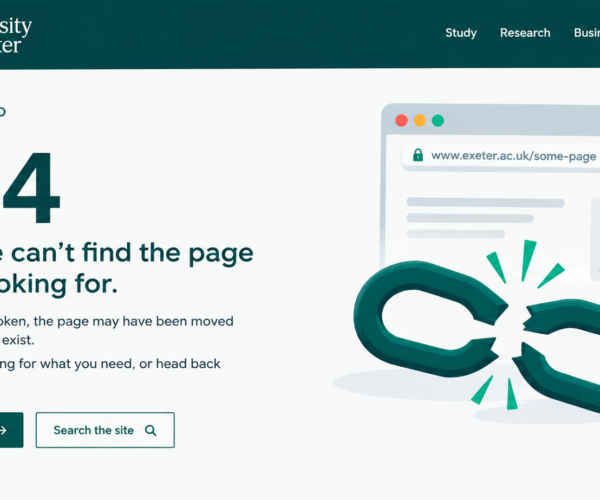
How to add documents to pages in T4 and avoid broken links
Use ‘Insert from Media’ icon When adding links to PDFs, Excel spreadsheets or Word documents into your content in T4, always use the Insert from Media […]
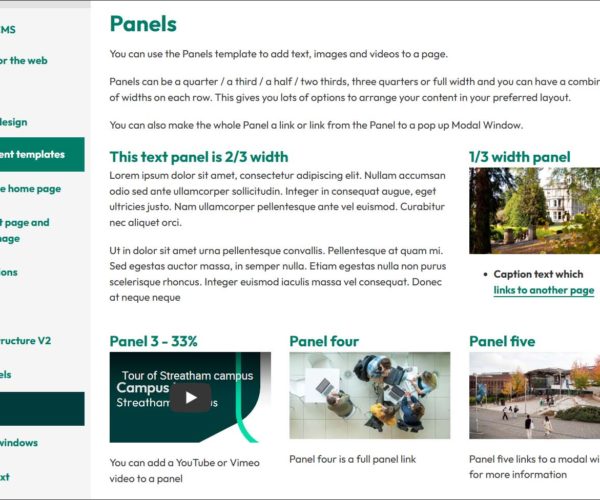
Using Panels in T4
The Panels template is very flexible and can be used to add text, images and videos to a page in T4.
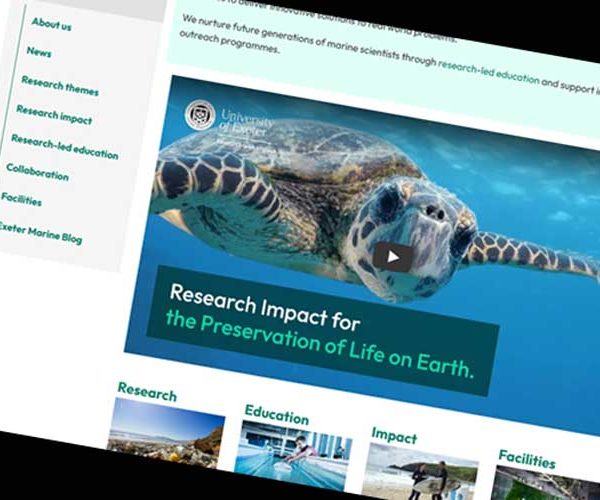
Using videos in T4
Using videos on your page can really help bring the content to life and are a great way to really show what life is like on campus or […]
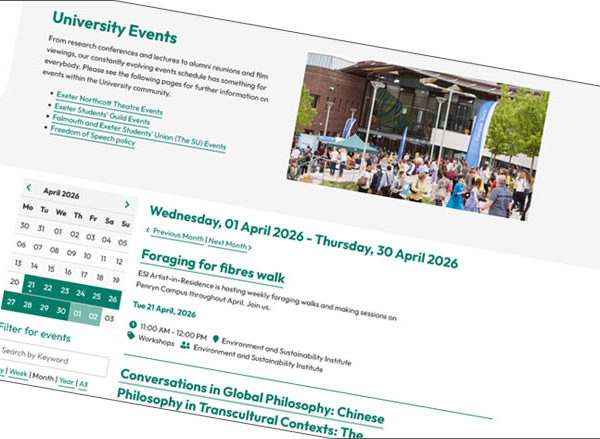
Events pages relaunched using a T4 based system
The Events pages on the University of Exeter website have recently been relaunched. Event listings are now created and updated in T4, our website content management system, which replaces […]

How to write good link text (and why it’s worth it)
‘Link text’ is the clickable text in a hyperlink that connects to another webpage. It tells users where they are going before they click, helping them decide if […]

Why the T4 history tab is a lifesaver
If you’ve ever accidentally overwritten a page, deleted a key paragraph, or wondered “who changed this and why?”—you’re not alone. Thankfully, TerminalFour (T4 CMS) has a […]

Crop and Resize Images with Pixlr
University staff members should have access to Pixlr Education, which includes Pixlr Editor — a free, browser-based image editing tool ideal for preparing images in […]

How to preview a page before it goes live
Previewing allows you to view any changes you have made to your pages before they are published. We highly recommend using preview, so you can […]

Hide a page from navigation
Note: This will only remove the link to the section (page) from the site navigation, it will not remove the section (page) from the published site. […]